Modified
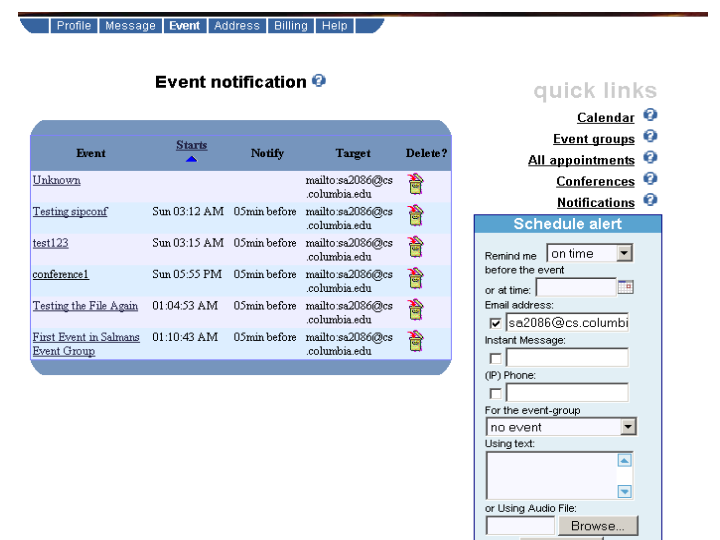
| Notification.cgi | Displays the main Notification Page listing all the notifications |
| notification.tcl | Contains Notification form processing code |
| cinema_util.tcl | Contains email, im, phone scheduling functions |
| Event.cgi | Scheduling an event for a conference / general event |
| Calendar.cgi | Displays the events according to a calendar |
| CalendarWeek.cgi | Displays the events during specified week |
| EventGroup.cgi | Displays all the event groups |
New Files
| WelcomeVxml.cgi | Welcomes the user to CINEMA Notification System. Prompts user for PIN |
| WelcomeProcess.cgi | Processes the user PIN. If login successful, outputs the Notification Menu to user |
| NotificationMenuProcess.cgi | Processes the user menu inputs |
| PhoneScheduleProcess.cgi | Processes the user scheduling of phone notification |
| enasvxmlfn.tcl | Contains the utility function and email scheduling function over the phone |
Tables
| eventgroup | event |
| eventgroup_notify | cinema |
| vxml_users | vmail |
| Event.cgi |
| vmailauth.cgi |
| vmailmainmenu.cgi |
| volplayrec.cgi |
[1] Kundan Singh for his very prompt
help and ideas
[2] Ajay Nambi for his help in
the SIPVXML